Main Pages Overview
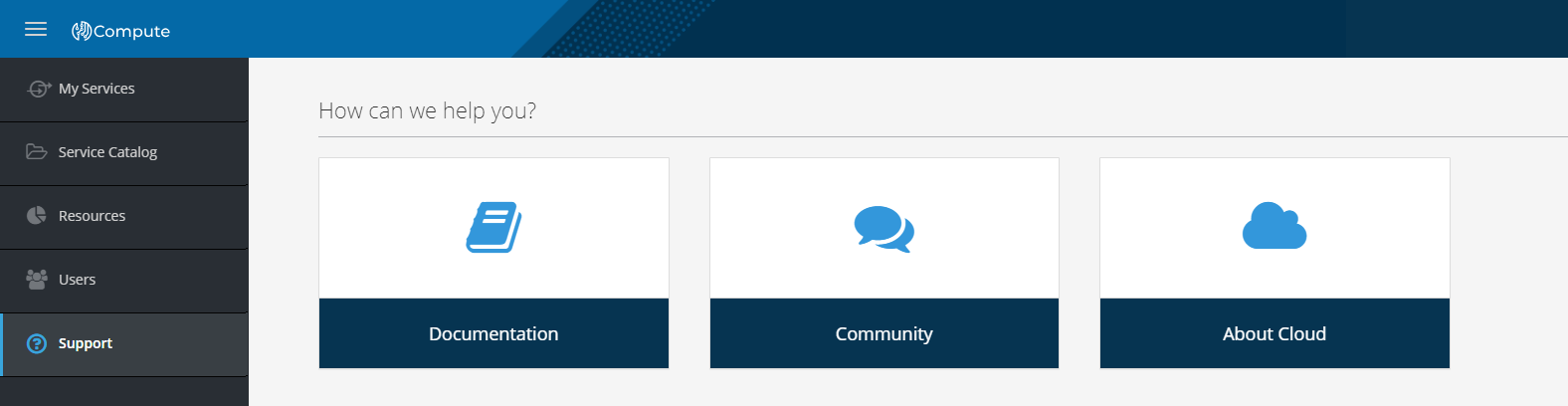
After logging into the system, you will find yourself on the My services tab. In the left menu, there are also tabs Service catalog, Resources, Users, and Support.
The users in the admin and billing groups can also access the tabs Projects and Users.
My Services
For users (members): list of user services. For billing managers and administrators: list of account or project services.
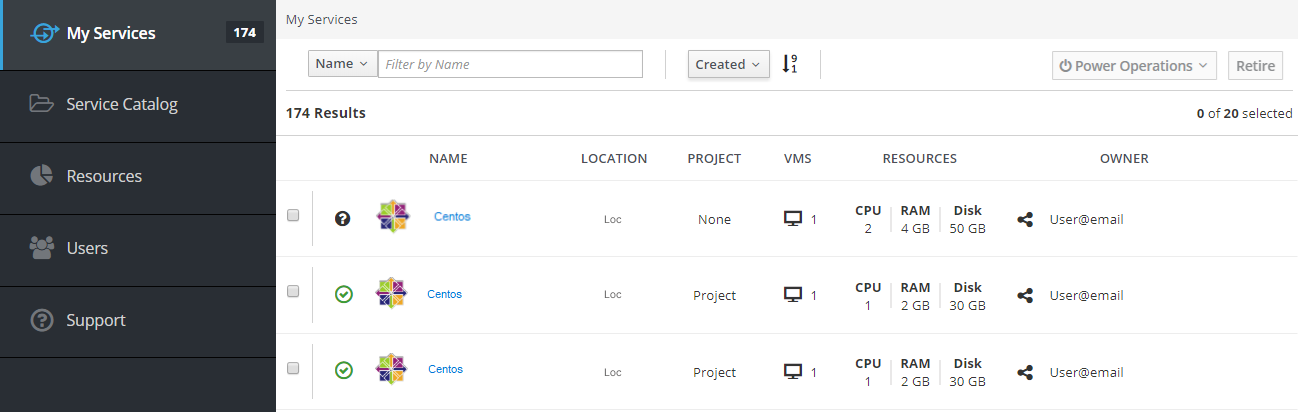
The My Services tab displays all user's services provided with their characteristics:
- Power indicator;
- Service
Name; - Physical
Locationof the service; Project;VMS- number of virtual machines;Resourcesusage (CPU,RAM,Disk);- Service
Owner.
You can apply different filters and sort the list of your services:
Note
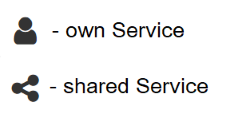
The icon next to the service owner indicates whether the service belongs to the current user or is shared by another one.
Service Catalog
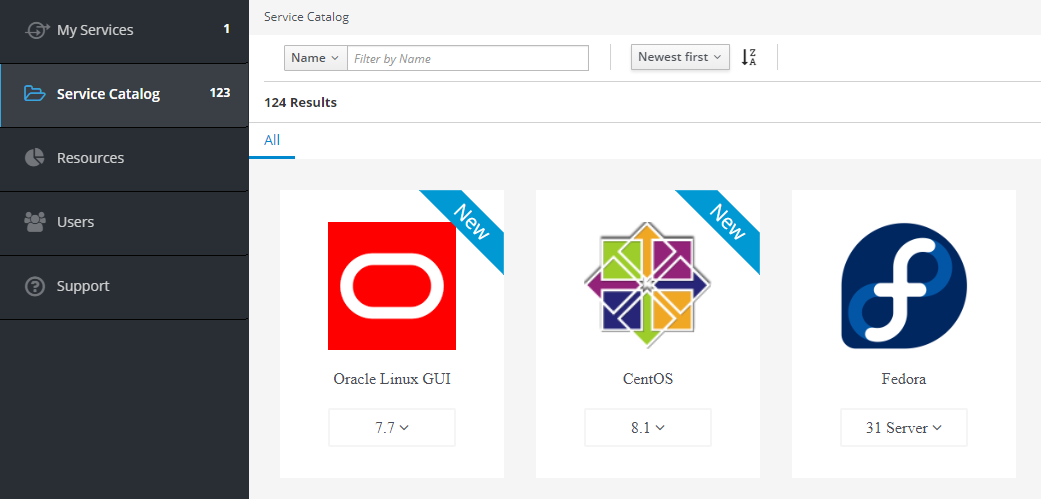
The Services Catalog tab is available only for member users and contains templates from which you can deploy a ready-to-use service. After selecting the template you will need to set up the required paraments in order to deploy.
To find the required template you can also use the filter on the top. The templates recently added to the directory are marked as New.
More information in the Service catalog documentation.
Resources 
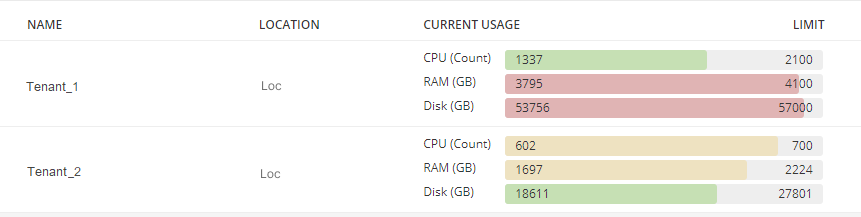
The Resources tab provides information about the number of computing resources available and used that are limited to the quota set for the account or project in the selected location.
If necessary, billing users can order additional resources by clicking on the Request quotas button.
Quota consists of three parameters:
CPU- the number of virtual processors;RAM- the amount of reserved memory;Disk- the amount of reserved disk space.
Users 
The Users tab provides information on the team's participants for users in the admin and billing groups.
Here are listed all account or project members as well as their roles:

Support
From the Support page, you can go to:
- documentation page - card
Documentation; - official website - card
Community; - information about ICDC Compute - card
About Cloud.